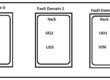


We do not have direct option to add the VM’s to Availability Set.
We need to delete only vm not OS disk and NIC card and deploy the VM by using AV set option.
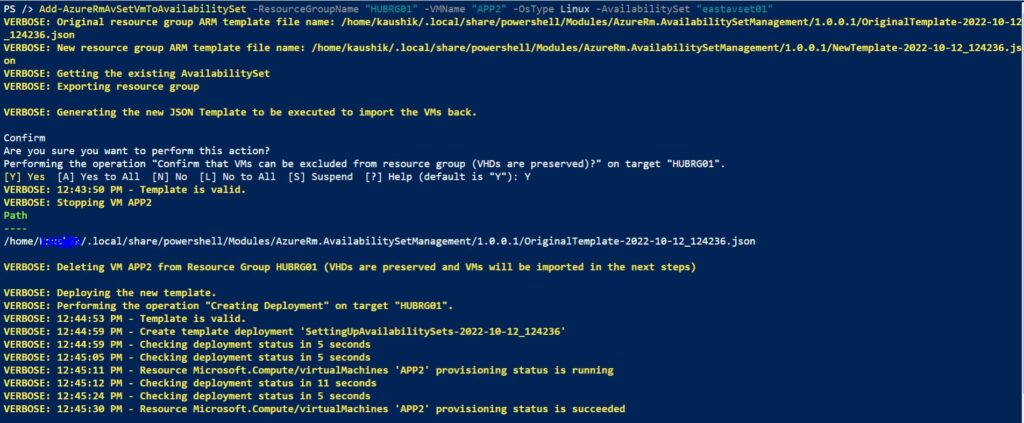
We can perform this option by using powershell commands in Azure cloudshell.
Below are the steps:
Install-Module AzureRm.AvailabilitySetManagement
Add-AzureRmAvSetVmToAvailabilitySet -ResourceGroupName “HUBRG01” -VMName “APP1” -OsType Linux -AvailabilitySet “eastavset01”